WordPress 7.1 was released on 19 August 2026 with new controls for adapting page designs to different screen sizes and a change that moves common image-processing work into the user's browser. The release, code-named 'Mary Lou', also expands collaboration tools and adds new options for presenting content.
For businesses running WordPress websites, the practical effect is that editors may be able to handle more layout, image and review work inside the content management system. The changes do not automatically improve an existing site, however, and some will depend on its theme, plugins and custom blocks.
Editors gain responsive design controls
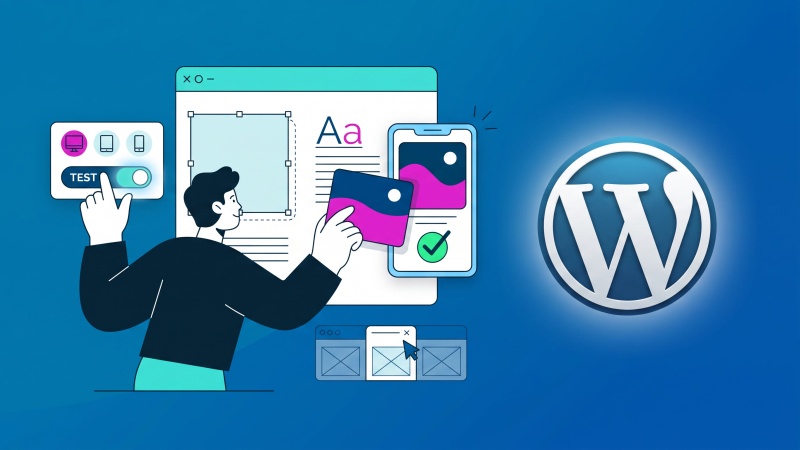
According to the official WordPress 7.1 announcement, editors can now apply different styles for different screen sizes from Global Styles or individual block settings. They can also preview those changes at different viewport sizes while working.
Responsive design is the process of making a page adapt to phones, tablets and larger screens. Until now, many WordPress teams needed custom CSS, theme settings or third-party tools to make detailed adjustments for each size. WordPress 7.1 brings more of that control into the core editor, alongside existing options for showing or hiding blocks at particular sizes.
The feature is not universal across every possible WordPress block. The WordPress 7.1 Field Guide explains that blocks using standard WordPress style controls receive responsive support, while blocks with their own custom controls may not. Themes can also define the mobile and tablet breakpoints used by the editor.
Image processing moves into the browser
WordPress 7.1 now carries out image compression, resizing and thumbnail generation in the browser rather than relying entirely on the website's server. WordPress says this reduces server load, produces smaller files and helps avoid memory limits or timeouts when larger images are uploaded.
That may be useful for content teams working with photographs from modern phones and cameras. The release also adds native support for formats including HEIC, which is commonly produced by mobile devices, and AVIF, a modern format designed to deliver high-quality web images efficiently.
A redesigned media editor brings cropping, flipping, rotation and metadata editing into one workflow. These are modest changes individually, but together they could reduce the need to prepare every image in separate software before adding it to a page.
Content review becomes more collaborative
WordPress Notes can now be attached to a specific piece of text rather than only to a whole block. Notes support formatted text, links and @mentions, allowing an editor to draw a colleague's attention to a particular change. Multiple conversations can also be kept on the same block.
The release adds Tabs and Playlist blocks, while the administration bar now remains visible across the different editing areas. WordPress has also introduced accessibility improvements in the editor and administration screens, including clearer labels and more predictable navigation for screen-reader users.
Existing sites should still test before updating
WordPress 7.1 makes new capabilities available, but it does not redesign existing pages or guarantee that every site will benefit in the same way. A website with a heavily customised theme or a large plugin collection may respond differently from a simpler installation.
Before applying the update to a live business website, it is sensible to test the theme, plugins, custom blocks and important editing workflows in a separate environment. Page layouts at common screen sizes and the upload of representative images deserve particular attention because they relate directly to the headline changes.
A current backup and a clear rollback route remain important for any core CMS update. Businesses that use ongoing website care and maintenance can incorporate those checks into their normal update process rather than treating the release as an emergency or postponing it indefinitely.