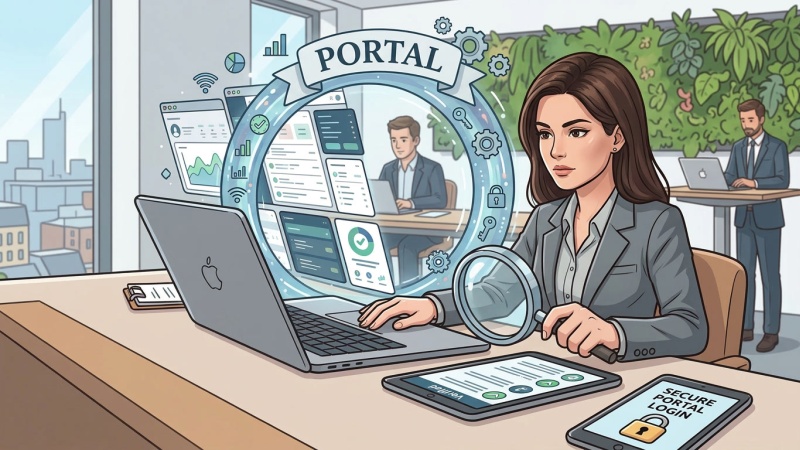
A customer portal sounds like a useful improvement. Clients could log in, find documents, track requests and update their details without emailing your team. But an account area is more than a page on your website. It is a service that somebody must support, maintain and secure.
Before deciding to build one, it is worth asking what customers actually need to do. Sometimes a portal is the right answer. Sometimes a simpler change will remove the frustration without introducing another set of logins.
Start with the job, not the login screen
Imagine a service company whose customers regularly ask for copies of invoices. It might decide it needs a customer dashboard. Yet the immediate problem is simpler: people cannot retrieve a document when they need it.
If most customers request an invoice once a year, clearer emails or an existing accounting system's document-sharing feature might be enough. If they need access to years of records, frequently updated documents and information for several members of staff, a dedicated account area becomes more convincing.
The distinction is important because people do not visit a portal for the pleasure of signing in. They want to complete a task. The GOV.UK Design System's account guidance recommends accounts when users need regular access to or control over their information, and advises against requiring them where the service works without one. That guidance is written for public services, but the question is useful for commercial websites too.
When a portal earns its place
A portal becomes more valuable when customers have an ongoing relationship with a company and need to do things repeatedly. That could mean managing multiple bookings, checking the progress of a service request, updating account information or accessing documents that change over time.
It can also make sense when several people at the same customer company need different levels of access. One employee might submit requests while another approves them or reviews billing information. A properly designed account system can make those responsibilities clearer, provided the permissions are carefully managed.
There should also be a meaningful benefit on both sides. Customers need an easier experience, while staff may benefit from fewer avoidable enquiries or less manual administration. If the proposed portal merely moves an awkward internal process onto customers, it has not solved much.
Frequency alone is not decisive. An infrequent task involving confidential records may still need a carefully controlled online service. Equally, a frequent but straightforward task might be handled well by a booking platform the company already uses.
Consider the simpler options first
Before commissioning a new system, compare the portal idea with a few narrower alternatives:
- Better confirmations and notifications. A clear email containing the right reference, next steps or booking details may prevent customers needing to look anything up.
- A one-off status checker. For suitable low-risk transactions, customers may be able to check progress using a reference and appropriate verification rather than creating a permanent account.
- Features in an existing platform. Your booking, membership or billing software may already offer a customer-facing area that meets the need without a separate build.
- A better form or service page. Sometimes people contact support because instructions are unclear or a simple change cannot be requested online.
Secure links can also be appropriate for narrowly defined tasks, but they are not a shortcut around security. A link that opens confidential information needs protections appropriate to the risk, including thought about who can access it and what happens if the message is forwarded or an inbox is compromised.
If the proposal depends on displaying information from several existing systems, Roled's guide to connecting your website to a CRM, booking or finance system explores the separate question of whether those connections are worthwhile.
The work behind the login
A portal creates responsibilities that are easy to overlook in an initial feature list. Customers need to be able to access their accounts, recover access and get help when something goes wrong. Staff may need to correct records, manage permissions or handle customers who cannot use the online route.
Security decisions depend on what the portal allows people to see and do. Viewing a routine appointment is different from changing financial details or downloading confidential documents. The National Cyber Security Centre's guidance on secure online services covers identity, access management, monitoring and ongoing operations. These are responsibilities to plan for, not features that disappear once the portal launches.
There are data protection considerations too. The Information Commissioner's Office explains that data protection by design and by default means considering privacy from the outset and limiting personal information to what is necessary. For a portal, that raises practical questions about what is stored, who can see it, how long it is retained and what happens when an account is closed.
Then there is upkeep. Software needs updating, connected services can change, and customer support requests do not stop after launch. These costs may be justified, but they belong in the original decision rather than appearing as surprises later.
Test the need before committing to a build
Choose two or three common customer tasks and trace what happens today. Where do people get stuck? How many contact the company for help? Could better information, an existing tool or a small online feature remove the problem?
Speak to the customers who would use the proposed service, including those who are less comfortable with online accounts. If possible, test a simple version of the journey before committing to a full platform. The GOV.UK Service Manual's user research guidance offers a useful approach to understanding what people are trying to achieve instead of assuming which features they want.
Then judge the options against the same criteria: whether customers can complete the task, how much staff effort is involved, what it costs to operate and how safely it handles information. Make room for a helpful alternative for customers who cannot use the digital route.
A good customer portal should earn its place through repeated, demonstrable usefulness. If a better email, a clearer process or a feature you already own can solve the problem, that may be the more considered investment.